

GStreamer's VideoToolbox-based decoder for macOS, iOS, and tvOS (vtdec) has recently gained support for decoding HEVC video with an alpha channel.
No special setup is required. When vtdec detects an HEVC+Alpha stream, it automatically negotiates an output format with alpha where possible.
Existing pipelines should work without changes - if a non-alpha output format is selected, the alpha channel is replaced with a black background.
You can try it out yourself! Download this HEVC+Alpha sample file and run the following pipeline:
gst-launch-1.0 videotestsrc ! video/x-raw,width=1280,height=720 ! compositor name=comp ! autovideosink \
               filesrc location="phone-hevc-alpha.mp4" ! parsebin ! vtdec ! comp.
The sample video shows a phone rendered with a transparent background.
In this pipeline, that background is replaced with the default videotestsrc SMPTE color bars.
It should look something like this:
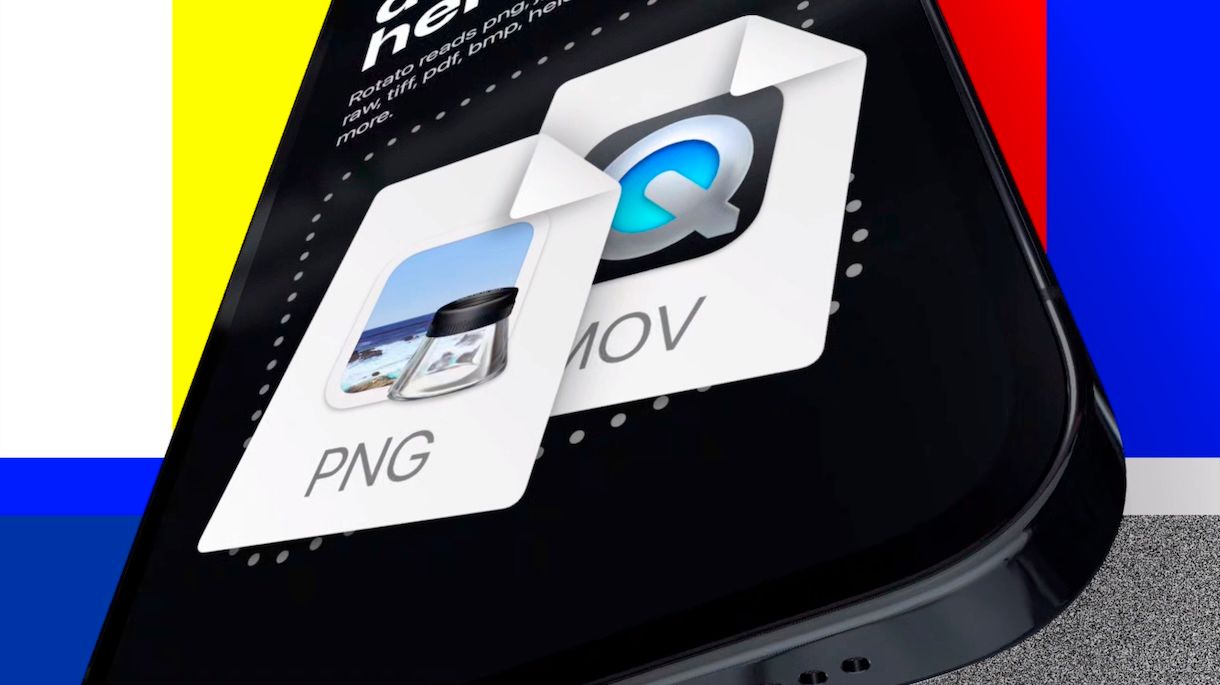
This functionality opens up simpler compositing workflows. You can place HEVC+Alpha assets like this one on top of other content for overlays or effects without needing extra processing like chroma keying.
It's worth noting that another codec for videos with an alpha channel - VP8/VP9+Alpha - is also well supported in GStreamer via our libvpx, VA-API, V4L2 and D3D12 decoders.
If you need to encode your own HEVC+Alpha assets on macOS, you can already do so using vtenc_h265a, which we added to GStreamer a while ago.
HEVC with Alpha decoding via vtdec will be available in the upcoming GStreamer 1.29.2 development snapshot - feel free to give it a go and let us know if you encounter any problems.